The comparison between floppy disks and hard disks represents one of the most dramatic technological shifts in computer storage history. While floppy disks once dominated portable storage with capacities measured in kilobytes, modern hard disks now store terabytes of data with vastly superior speed and reliability. Understanding these differences helps explain why floppy disks became obsolete and how storage technology evolved to meet the demands of today’s digital landscape in the United States and worldwide.
What Are Floppy Disks and Hard Disks?
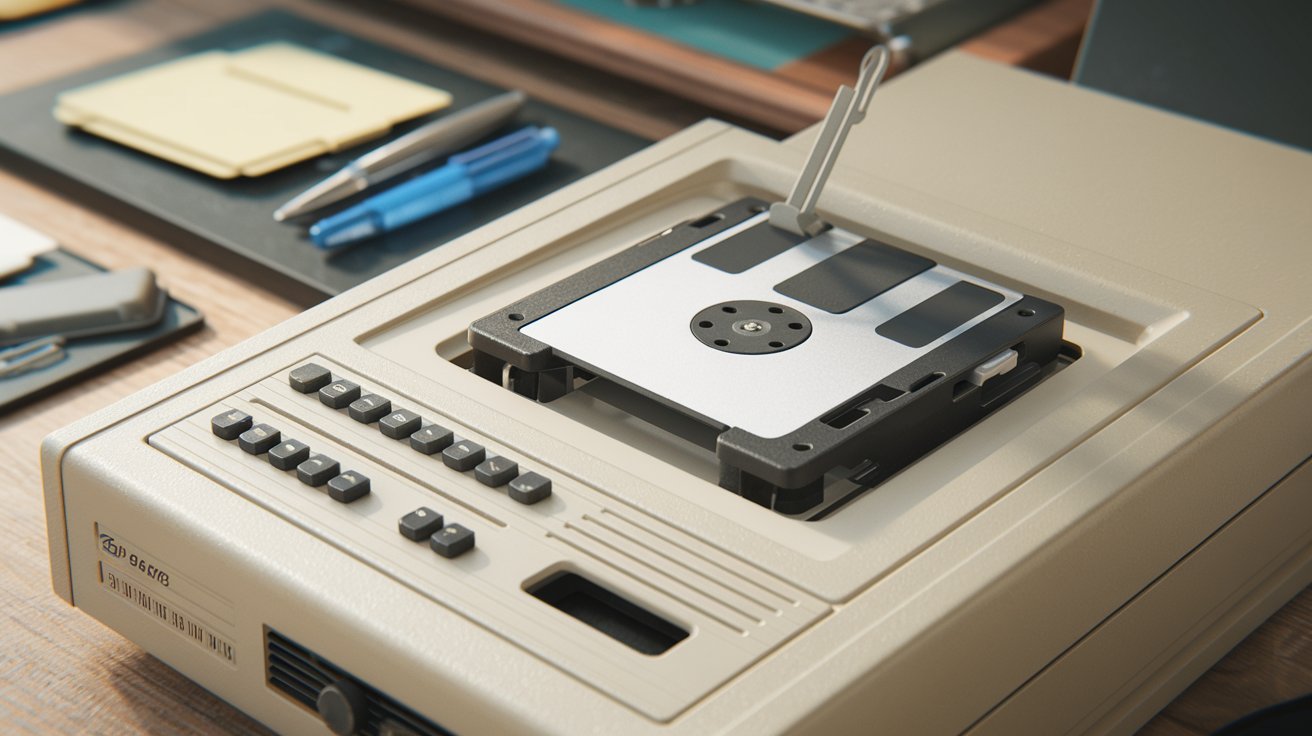
A floppy disk is a removable magnetic storage medium encased in a plastic shell, popular from the 1970s through the early 2000s. The most common 3.5-inch floppy disk could store 1.44 MB of data and served as the primary method for transferring files between computers before USB drives and cloud storage emerged. These portable storage devices used thin, flexible magnetic disks that rotated inside protective casings when inserted into floppy disk drives.
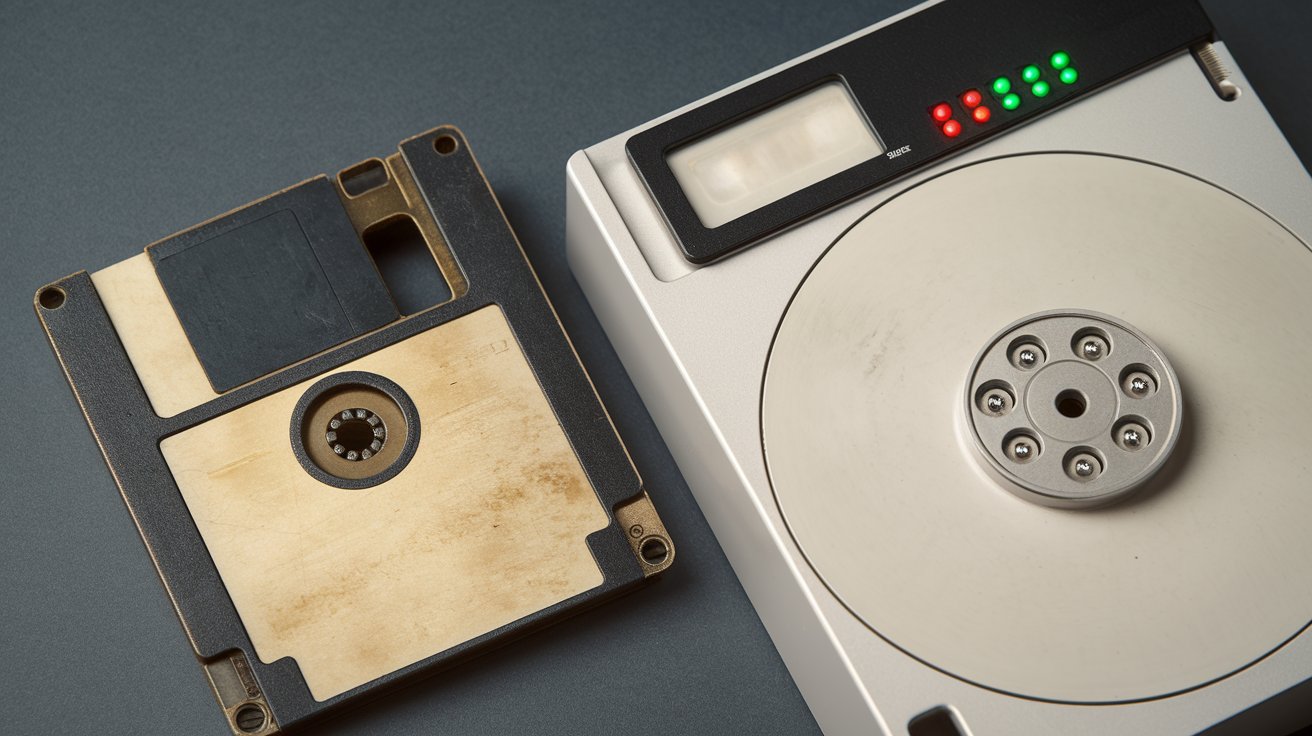
In contrast, a hard disk drive (HDD) is a permanent internal storage device that uses rapidly spinning platters coated with magnetic material to store data. Modern hard disks in 2026 range from 500 GB to 20 TB or more, with enterprise-grade models exceeding these capacities. Hard disks remain fixed inside computers or external enclosures, providing substantially faster access speeds and dramatically higher storage density than their floppy predecessors ever achieved.
Storage Capacity Comparison
The storage capacity difference between floppy disks and hard disks is staggering and illustrates decades of technological advancement. A standard 3.5-inch floppy disk held exactly 1.44 MB (1,474,560 bytes) of data, which was sufficient for basic documents and small programs in the 1990s. Earlier 5.25-inch floppy disks offered even less capacity, ranging from 360 KB to 1.2 MB depending on the format and density.
Modern hard disks in 2026 typically start at 500 GB for budget laptops and extend to 20 TB for consumer desktop drives, with enterprise solutions reaching 24 TB or higher. To put this in perspective, one terabyte equals approximately 711,111 floppy disks. A typical 2 TB hard disk would require over 1.4 million floppy disks to match its capacity, which would create a stack nearly 1,200 feet tall if stacked vertically.
Speed and Performance Differences
Floppy disk read and write speeds were notoriously slow, typically achieving transfer rates between 250 to 500 kilobits per second (Kbps). Reading a completely full 1.44 MB floppy disk could take 30 to 60 seconds under ideal conditions, with performance degrading significantly as the magnetic medium aged or became damaged. The mechanical nature of floppy drives, with their single read/write head and slow rotation speeds of 300 to 360 RPM, created inherent performance limitations.
Modern hard disk drives operate at dramatically higher speeds, with 7,200 RPM drives common in desktop computers and high-performance 10,000 to 15,000 RPM drives available for enterprise applications. Sequential read and write speeds on contemporary HDDs range from 80 MB/s to over 250 MB/s for the fastest models in 2026. This represents a performance improvement of roughly 400 to 2,000 times compared to floppy disks, enabling modern computers to load operating systems, applications, and large files in seconds rather than minutes.
Physical Characteristics and Design
The physical construction of floppy disks consisted of a thin, flexible magnetic disk housed in a rigid plastic shell measuring 3.5 inches square or 5.25 inches for older formats. The shell included a sliding metal shutter that protected the magnetic surface when not in use, and a write-protect notch that physically prevented data modification when engaged. Weighing just 0.5 to 1 ounce, floppy disks were highly portable but vulnerable to magnetic fields, extreme temperatures, and physical bending.
In contrast, hard disk drives are sealed units containing multiple rigid aluminum or glass platters stacked on a central spindle, with read/write heads floating mere nanometers above the surface. Standard 3.5-inch desktop hard drives measure approximately 4 inches wide, 5.75 inches deep, and 1 inch tall, weighing between 1 and 2 pounds. The hermetically sealed environment protects against dust and contaminants, though HDDs remain sensitive to physical shock and vibration during operation. Modern 2.5-inch laptop hard drives offer greater portability while maintaining the same fundamental architecture.
Durability and Reliability
Floppy disk durability was notoriously poor, with magnetic media degrading over time even under ideal storage conditions. Users in the United States frequently experienced data loss due to magnetic field exposure from speakers, motors, or even strong magnets. The flexible nature of the magnetic disk made it susceptible to warping, and the exposed read/write window allowed dust and moisture to contaminate the surface. Most floppy disks became unreliable after 3 to 5 years, with many failing much sooner due to repeated insertions wearing down the protective shutter mechanism.
While hard disks are more robust in sealed environments, they contain precision mechanical components vulnerable to physical shock and wear. Modern HDDs in 2026 feature advanced shock sensors that park read/write heads during sudden movements, significantly improving reliability. Enterprise-grade hard disks typically offer mean time between failures (MTBF) ratings of 1 to 2.5 million hours. However, all hard disks eventually fail due to mechanical wear, with typical lifespans of 3 to 5 years under continuous use, though many operate reliably for a decade or more under normal consumer conditions.
Cost Per Gigabyte Analysis
When floppy disks dominated the market in the mid-1990s, a single 1.44 MB disk cost approximately one to three dollars in the United States, translating to roughly $700 to $2,000 per gigabyte when adjusted for capacity. This astronomical cost per gigabyte made floppy disks economical only for small file transfers and basic backups, not for bulk storage. Businesses and consumers who needed to store larger amounts of data relied on tape drives or expensive early hard drives.
In 2026, hard disk pricing has reached unprecedented efficiency, with consumer-grade drives costing approximately $12 to $18 per terabyte, or just $0.012 to $0.018 per gigabyte. A typical 4 TB hard drive retails for $60 to $80 in the United States, representing a cost reduction of over 100,000 times compared to equivalent floppy disk storage. Even high-performance enterprise drives rarely exceed $0.05 per gigabyte, making hard disks one of the most cost-effective storage solutions available for large-scale data retention.
Why Floppy Disks Became Obsolete
The decline of floppy disks accelerated in the early 2000s as file sizes rapidly outgrew the 1.44 MB limitation. Digital photos from increasingly sophisticated cameras, MP3 music files, and software applications all exceeded floppy disk capacity, requiring multiple disks for a single file transfer. Apple eliminated floppy drives from the iMac in 1998, and most PC manufacturers followed suit by 2003 to 2005, signaling the end of the floppy disk era in the United States market.
Several superior alternatives emerged to replace floppy disks, including USB flash drives offering 128 MB to 2 TB capacities in compact, durable formats. CD-R and DVD-R media provided 700 MB to 4.7 GB storage at lower costs, while internet speeds improved enough to enable email attachments and cloud storage services. By 2026, floppy disks exist only in legacy industrial systems, vintage computing enthusiast communities, and occasional government or corporate environments where outdated equipment persists due to regulatory or budgetary constraints.
The Four Main Types of Storage Drives
Understanding storage drive categories helps contextualize where floppy disks and hard disks fit within the broader technology landscape. The four primary types of drives in 2026 include hard disk drives (HDDs), solid-state drives (SSDs), optical drives (CD/DVD/Blu-ray), and removable flash storage (USB drives, SD cards). Each technology serves specific purposes based on capacity requirements, speed needs, portability demands, and budget constraints.
Hard disk drives remain the most cost-effective solution for bulk storage, particularly for archival purposes, media libraries, and backup systems. Solid-state drives offer superior speed and durability without moving parts but at higher costs per gigabyte. Optical drives continue serving niche roles for software distribution and archival media, while removable flash storage dominates portable data transfer. Floppy disks, once a primary category, now represent obsolete technology superseded by all four modern drive types.
Floppy Disks vs Other Storage Media
Comparing floppy disks to CDs reveals why optical media rapidly displaced magnetic floppies in the late 1990s. A standard CD-R offers 700 MB capacity, equivalent to approximately 486 floppy disks, while maintaining better durability and lower per-megabyte costs. CDs also enabled direct playback of audio and video content without copying to hard drives, a capability floppy disks never possessed. The widespread adoption of CD-ROM drives in computers between 1995 and 2000 accelerated floppy disk obsolescence across the United States.
The comparison between floppy disks and diskettes often causes confusion, as these terms are synonymous in most contexts. The word diskette simply represents a diminutive form of disk, with both terms referring to the same magnetic storage medium. However, some technical documentation distinguishes between 5.25-inch floppy disks and 3.5-inch diskettes based on physical size and rigidity of the protective shell. In modern usage, both terms reference obsolete magnetic storage technology that has been completely replaced by flash-based solutions offering thousands of times greater capacity in smaller form factors.
Use Cases: Then and Now
During their peak usage from 1980 to 2000, floppy disks served multiple essential functions in personal and business computing across the United States. Users relied on floppies for transferring documents between home and office computers, distributing software before widespread internet adoption, creating backup copies of critical files, and booting computers when hard drives failed. Educational institutions used floppy disks extensively for student assignments, and software vendors distributed applications on multiple floppy disk sets, with some programs requiring 20 or more disks for installation.
In 2026, hard disks continue serving vital roles despite competition from solid-state technology. They remain the preferred solution for network-attached storage (NAS) systems, video surveillance recording, media production workflows requiring multi-terabyte capacities, and cost-sensitive backup solutions. Data centers still deploy hard disks for warm and cold storage tiers where access speed is secondary to capacity and cost efficiency. Consumer applications include gaming libraries, personal media collections, and Time Machine backups on Mac systems, where the combination of high capacity and reasonable cost makes hard disks practical for typical American households.
Technical Classification of Storage Devices
Both floppy disks and hard disks are examples of magnetic storage devices, a category defined by data encoding through magnetic polarization of ferromagnetic materials. This classification distinguishes them from optical storage (CDs, DVDs) that uses laser reflection, and solid-state storage (flash drives, SSDs) that relies on electrical charge in semiconductor cells. Magnetic storage was the dominant technology from the 1950s through the 2000s, offering the best combination of capacity, cost, and rewritability available during that era.
Within magnetic storage, floppy disks represent removable media while hard disks typically function as fixed storage, though external USB hard drives blur this distinction. Both technologies use similar fundamental principles of magnetizing microscopic regions to represent binary data, with read/write heads detecting or altering magnetic field orientations. The primary differences lie in platter rigidity, rotation speed, storage density, and environmental sealing. Understanding this classification helps explain why both technologies became vulnerable to the same technological disruption when solid-state storage achieved cost-effectiveness in the 2010s.
Environmental and Disposal Considerations
Floppy disk disposal presents minimal environmental hazards as the plastic shells and magnetic media contain no highly toxic substances. However, the plastic components do not biodegrade, and improper disposal contributes to landfill waste. In the United States, most municipalities classify floppy disks as general waste rather than electronic waste, though recycling programs occasionally accept them for plastic recovery. The magnetic coating contains trace amounts of iron oxide, which poses no significant environmental threat but offers little economic value for recycling operations.
Hard disk drives require proper e-waste recycling due to various metals and materials including aluminum, copper, neodymium rare earth magnets, and small amounts of gold in circuit boards. The United States generated approximately 6.9 million tons of electronic waste in 2019, with projections reaching 8 million tons by 2026. Responsible hard drive disposal involves either certified data destruction services that securely erase and recycle components, or manufacturer take-back programs offered by major brands. Many states have enacted electronics recycling laws that prohibit disposing of hard drives in regular trash, imposing fines on violators to encourage proper recycling practices.
Related video about floppy disk vs hard disk
This video complements the article information with a practical visual demonstration.
Everything you need to know about floppy disk vs hard disk
What are the 4 types of drives?
The four main types of storage drives in 2026 are hard disk drives (HDDs) using magnetic platters, solid-state drives (SSDs) using flash memory chips, optical drives including CD/DVD/Blu-ray that use laser technology, and removable flash storage such as USB drives and SD cards. Each type serves different purposes based on speed requirements, capacity needs, portability, and cost considerations. Hard disk drives remain popular for bulk storage due to low cost per gigabyte, while SSDs dominate performance-critical applications despite higher prices.
Why don’t we use floppy disks anymore?
Floppy disks became obsolete because their 1.44 MB capacity could not accommodate growing file sizes from digital photos, music, videos, and software applications. By the early 2000s, USB flash drives offered 100 to 1,000 times more storage in smaller, more durable formats. Additionally, internet speeds improved enough to enable email attachments and cloud storage, while CD-R media provided 700 MB capacity at lower costs. Computer manufacturers eliminated floppy drives from new systems between 1998 and 2005, completing the transition to superior storage technologies across the United States market.
How many floppy disks is 1TB?
One terabyte equals approximately 711,111 floppy disks based on the standard 3.5-inch format’s 1.44 MB capacity. To visualize this enormous difference, if you stacked 711,111 floppy disks vertically, the pile would reach approximately 1,200 feet tall, taller than most skyscrapers in the United States. This comparison illustrates the dramatic advancement in storage technology over the past three decades. A typical external hard drive in 2026 costing $60 to $80 would require over $700,000 worth of floppy disks at historical prices to match its storage capacity.
Is a floppy disk just a CD?
No, a floppy disk is fundamentally different from a CD in both technology and capacity. Floppy disks use magnetic storage on flexible plastic disks with 1.44 MB capacity, while CDs employ optical technology with laser-readable pits on rigid polycarbonate discs offering 700 MB capacity. This makes a CD equivalent to approximately 486 floppy disks. Floppy disks require magnetic read/write heads making physical contact with the media, whereas CDs use non-contact laser reading. Additionally, floppy disks are rewritable by default, while standard CDs are write-once media, though CD-RW variants allow rewriting.
What is the storage capacity difference between floppy disk and hard disk?
The storage capacity difference is enormous, with modern hard disks offering 500 GB to 20 TB compared to the floppy disk’s 1.44 MB. A basic 1 TB hard disk holds approximately 711,111 times more data than a single floppy disk. In practical terms, a typical 2026 laptop hard drive with 500 GB capacity equals roughly 347,000 floppy disks. This massive disparity reflects decades of technological advancement, with hard disk storage density improving by factors of millions while floppy disk technology remained essentially unchanged from the late 1980s until its obsolescence in the early 2000s.
Can floppy disks and hard disks be used together?
Historically, floppy disks and hard disks worked together in computer systems, with hard disks providing permanent internal storage and floppy disks enabling portable file transfer and backup. Throughout the 1980s and 1990s, typical American computer users would install software from floppy disks onto hard drives, then use additional floppies to back up important documents. However, by 2026, this combination is obsolete as modern computers lack floppy drives entirely. Legacy systems requiring floppy disk access can use external USB floppy drives, though such configurations exist only in specialized industrial environments or vintage computing applications.
| Feature | Floppy Disk | Hard Disk |
|---|---|---|
| Storage Capacity | 1.44 MB (standard 3.5-inch) | 500 GB to 20+ TB (2026 models) |
| Transfer Speed | 250-500 Kbps (0.03-0.06 MB/s) | 80-250 MB/s (2026 HDDs) |
| Portability | Highly portable, removable media | Fixed internal or external enclosure |
| Cost Per GB (2026) | $700-$2,000 (historical equivalent) | $0.012-$0.018 |
| Durability | Poor, 3-5 year lifespan typical | Good when sealed, 5-10+ years |
| Current Status | Obsolete since early 2000s | Active, widely used in 2026 |