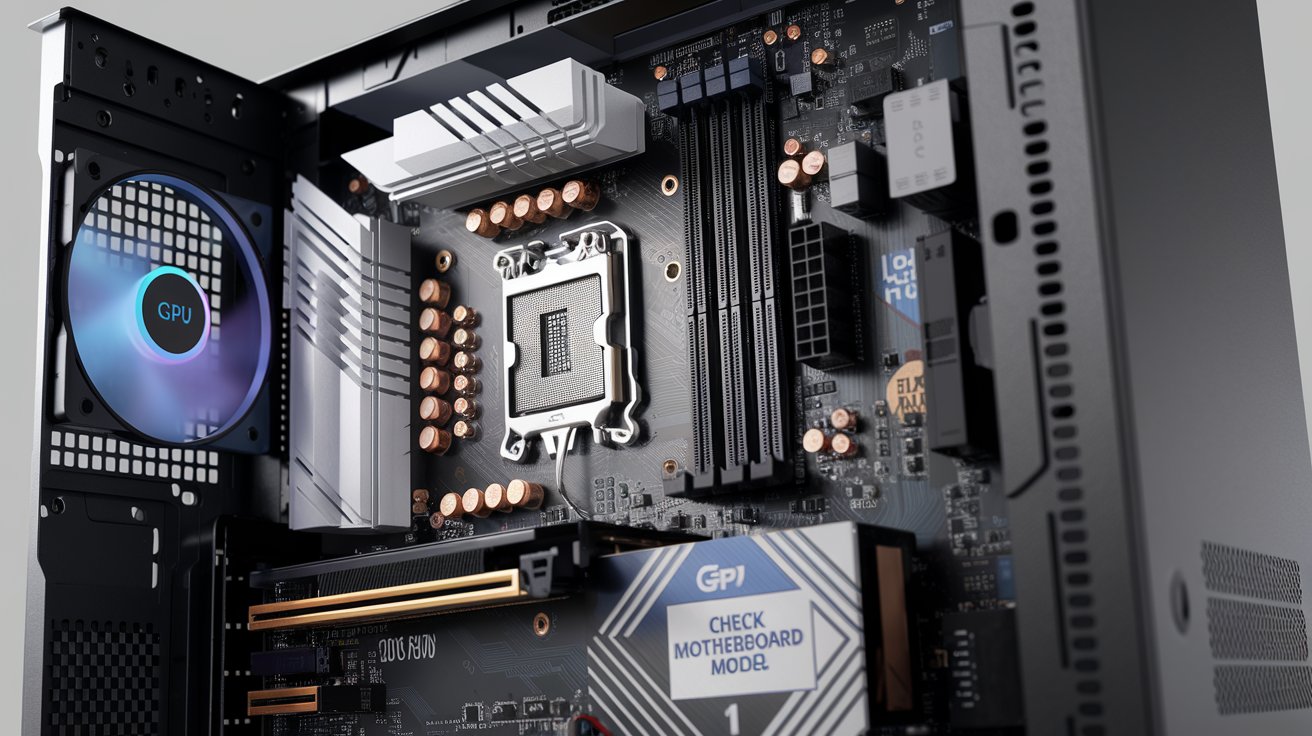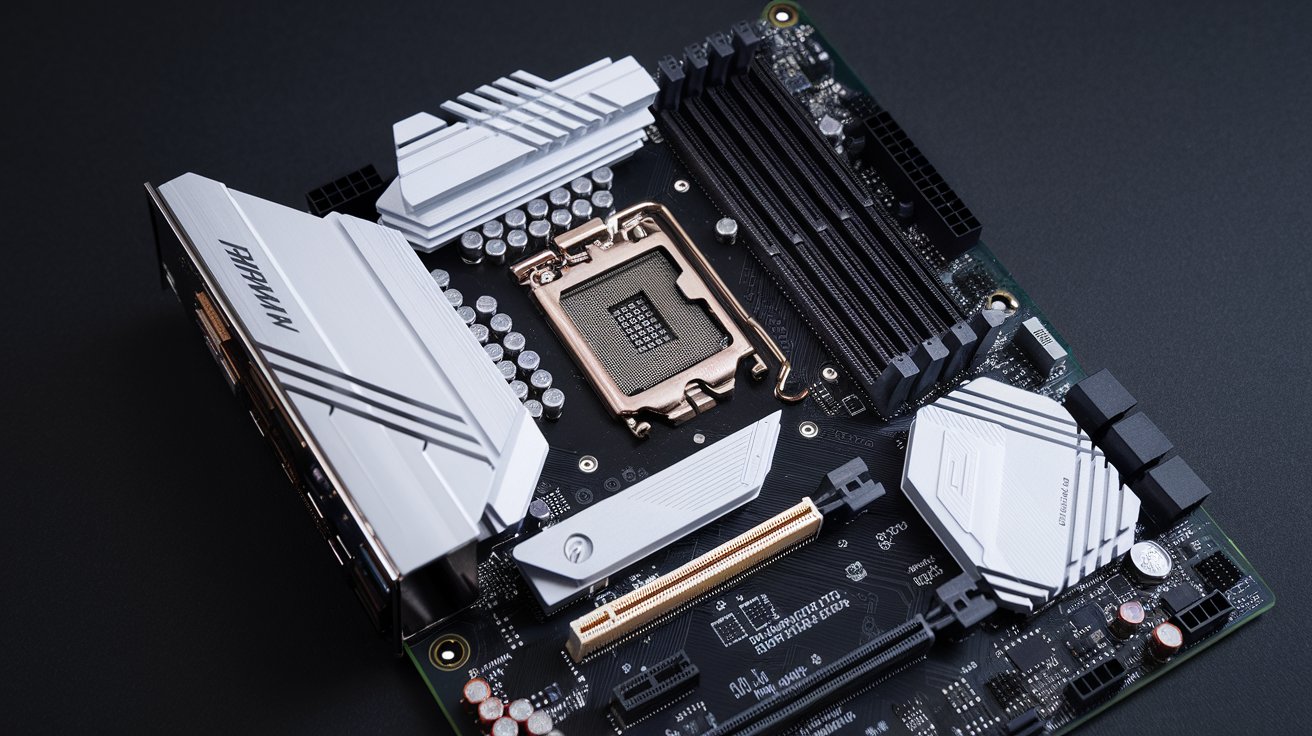
A motherboard chipset is the central communication hub that manages data flow between your processor, memory, storage devices, and peripherals. Think of it as the traffic controller of your computer, determining which components can communicate and how fast. Understanding your chipset is crucial because it dictates which CPUs you can install, what expansion cards you can use, and the overall performance capabilities of your system.
Understanding Motherboard Chipsets: The Core Communication Hub
The motherboard chipset consists of integrated circuits that coordinate communication between the CPU and all other components in your computer. Modern chipsets typically combine what were historically two separate chips—the northbridge and southbridge—into a single Platform Controller Hub (PCH). This consolidated design, used by both Intel and AMD since the early 2010s, places memory controller functions directly into the CPU while the chipset handles peripheral connectivity.
Your chipset determines compatibility with processors, RAM speeds, storage interfaces, USB ports, and expansion slots. For example, Intel’s Z790 chipset supports 13th and 14th generation Core processors, DDR5 memory up to 5600 MHz, and PCIe 5.0 connectivity. The chipset also manages power delivery to various system components and controls features like overclocking capabilities, RAID configurations, and the number of SATA or NVMe drives you can connect simultaneously.
Intel Chipset Lineup for 2026
Intel dominates the United States desktop market with approximately 62% market share as of early 2026. Their current chipset portfolio spans multiple performance tiers, each designed for specific use cases and budgets. Understanding these distinctions helps you make informed decisions when building or upgrading your PC.
Z-Series Chipsets: Enthusiast and Overclocking
The Intel Z790 chipset represents the flagship option for enthusiasts and gamers who demand maximum performance. It supports CPU and memory overclocking, provides up to 20 PCIe 4.0 lanes from the chipset itself, and allows for eight SATA 6Gb/s connections. The Z790 works with LGA 1700 socket processors and supports both DDR4 and DDR5 memory depending on motherboard design. Prices for Z790 motherboards range from $220 to over $800 in the United States market, with premium models offering enhanced power delivery and advanced cooling solutions.
Looking ahead, Intel’s next-generation Z890 chipset is expected in late 2026 with the Arrow Lake-S refresh, bringing native support for DDR5-6400, additional PCIe 5.0 lanes, and improved Thunderbolt 5 integration. Early engineering samples suggest the Z890 will maintain backward compatibility with some 14th generation processors while optimizing performance for 15th generation CPUs.
B-Series and H-Series: Mainstream Value
The B760 chipset targets mainstream users who want solid performance without overclocking features. It provides 14 PCIe lanes, six SATA ports, and supports the same processors as Z790 but at lower price points, typically $130-$280 for motherboards. The B760 is perfect for gaming builds where CPU overclocking isn’t a priority but you still want modern connectivity options including Wi-Fi 6E and USB 3.2 Gen 2×2 support.
For budget-conscious builders, the H610 chipset offers basic functionality with limited expansion options—only ten PCIe lanes and four SATA connections. However, H610 motherboards start as low as $85 in the United States, making them ideal for office workstations, home theater PCs, or entry-level gaming systems where advanced features aren’t necessary.
AMD Chipset Architecture and Offerings
AMD’s approach to chipset design differs strategically from Intel’s, with their Ryzen processors integrating more functionality directly into the CPU die. This means AMD chipsets handle fewer critical functions, focusing primarily on additional I/O and expansion capabilities. As of 2026, AMD holds approximately 38% of the United States desktop processor market, with strong growth in gaming and content creation segments.
X-Series: High-End Desktop Performance
The AMD X670E chipset represents the premium tier for AM5 socket motherboards, supporting Ryzen 7000 and upcoming 8000 series processors. The ‘E’ designation indicates extended functionality, primarily meaning full PCIe 5.0 support for both graphics cards and NVMe storage. X670E motherboards typically feature dual chipset dies, providing up to 24 PCIe 4.0 lanes from the chipset alone, plus four additional PCIe 5.0 lanes for M.2 drives. These boards range from $280 to $750 in the United States market.
AMD’s chipset strategy emphasizes longevity—the AM5 socket is promised support through 2027, meaning a single X670E motherboard purchased in 2026 can potentially accommodate three generations of processors. This extended compatibility reduces long-term upgrade costs compared to Intel’s more frequent socket changes.
B-Series: Balanced Performance and Value
The B650 and B650E chipsets deliver excellent value for most users. The standard B650 provides PCIe 4.0 connectivity with optional PCIe 5.0 support for one M.2 slot, while B650E guarantees PCIe 5.0 for primary graphics and storage. Both support CPU overclocking—a significant advantage over Intel’s B-series which lacks this feature. B650 motherboards start around $150, making them popular choices for mid-range gaming builds where you want upgrade flexibility without premium pricing.
How Chipsets Work with CPU Sockets
The CPU socket determines physical compatibility between your processor and motherboard, while the chipset determines feature compatibility. Intel currently uses the LGA 1700 socket for 12th, 13th, and 14th generation Core processors, with the upcoming LGA 1851 socket planned for 15th generation chips in late 2026. AMD’s AM5 socket, introduced in 2022, uses an LGA design (switching from their traditional PGA) and supports Ryzen 7000 and newer processors.
Understanding this relationship is critical: a motherboard with the correct socket but wrong chipset may physically accept your CPU but fail to utilize its features properly. For example, installing a 14th generation Intel Core i9 in an older H610 motherboard limits you to PCIe 4.0 speeds and basic memory support, despite the CPU supporting faster technologies. The chipset-CPU pairing must align with your performance goals and feature requirements.
Socket longevity varies dramatically between manufacturers. AMD’s commitment to AM5 through 2027 means you can upgrade your CPU without replacing the motherboard, assuming BIOS updates support newer processors. Intel historically changes sockets every two generations, requiring complete motherboard replacement for CPU upgrades. This difference significantly impacts total cost of ownership for PC enthusiasts who regularly upgrade components.
Chipset vs CPU: Understanding the Differences
Many people confuse the chipset and CPU, but they serve entirely different functions. The CPU (Central Processing Unit) executes program instructions and performs calculations—it’s the brain of your computer. The chipset manages communication pathways between the CPU and everything else: memory, storage, graphics cards, USB devices, network adapters, and audio controllers. Think of the CPU as a brilliant executive and the chipset as the office manager coordinating all departmental communications.
Modern CPUs have absorbed some traditional chipset functions. Both Intel and AMD now integrate memory controllers directly into the processor, allowing the CPU to communicate with RAM without chipset intervention. Similarly, CPUs provide PCIe lanes directly—typically 16 or 20 lanes for graphics cards and high-speed storage. The chipset supplements these with additional lanes for expansion cards, SATA drives, USB ports, and networking.
Performance differences between chipsets within the same generation rarely affect CPU computational speed directly. However, chipset limitations can create bottlenecks for storage arrays, multi-GPU configurations, or systems with numerous peripherals. A high-end CPU paired with a low-end chipset wastes potential, like hiring a race car driver but only providing a economy sedan.
How to Find Out What Your Motherboard Chipset Is
Identifying your current motherboard chipset requires just a few simple steps on Windows systems. The easiest method is pressing Windows Key + R, typing ‘msinfo32’, and pressing Enter. This opens System Information, where you’ll find ‘BaseBoard Product’ listed under System Summary. Search this model number online to identify the chipset. Alternatively, download CPU-Z, a free utility that displays complete chipset information on the Mainboard tab, including model, chipset name, and southbridge details.
For more detailed information, check Device Manager by right-clicking the Start button and selecting Device Manager. Expand ‘System devices’ and look for entries containing your chipset name—Intel entries might show ‘Intel(R) Z790 Chipset LPC/eSPI Controller’ while AMD systems display ‘AMD X670 Chipset’. This method also reveals installed chipset drivers and their versions, helping you determine if updates are needed.
Mac users can find chipset information by clicking the Apple menu, selecting ‘About This Mac’, then ‘System Report’. Under Hardware, the ‘Chipset Model’ field displays the relevant information. Linux users can open Terminal and run ‘sudo lshw -class bridge’ or ‘lspci | grep ISA’ to identify chipset details. These commands query hardware directly and work across most distributions including Ubuntu, Fedora, and Arch Linux.
Should You Install Motherboard Chipset Drivers
Absolutely—installing chipset drivers is essential for optimal system performance and stability. While Windows 10 and 11 include generic drivers that allow basic functionality, manufacturer-specific chipset drivers enable advanced features, improve power management, and optimize communication between components. Without proper drivers, you may experience reduced USB transfer speeds, audio glitches, network instability, or poor power efficiency.
Intel chipset drivers include the Intel Management Engine Interface, which handles security features and system management capabilities. AMD’s chipset drivers provide optimized power plans specifically tuned for Ryzen processors, significantly improving single-threaded performance through better boost behavior. According to testing by Tom’s Hardware in 2025, systems with proper AMD chipset drivers installed showed up to 12% better performance in lightly-threaded applications compared to generic Windows drivers.
Download chipset drivers directly from Intel or AMD’s official websites rather than third-party sources. For pre-built systems from Dell, HP, or Lenovo, check the manufacturer’s support page for your specific model, as they sometimes include customized driver packages. Install chipset drivers immediately after installing Windows, before graphics drivers or other components. Update chipset drivers every 6-12 months or when experiencing system instability, as manufacturers regularly release optimizations for new processors and Windows updates.
Chipset and BIOS: How They Work Together
The BIOS (Basic Input/Output System) or its modern replacement UEFI (Unified Extensible Firmware Interface) is firmware stored on the motherboard that initializes hardware during boot and provides runtime services for operating systems. The chipset is hardware that manages component communication. They’re completely different entities, but they work closely together—the BIOS configures chipset settings and the chipset executes those configurations.
Your BIOS contains chipset-specific code that enables or disables features, sets PCIe lane allocation, configures SATA modes (AHCI vs RAID), and establishes USB configurations. When you update your BIOS, you often gain support for newer CPUs because the update includes revised chipset initialization code. For example, many B550 motherboards shipped in 2020 required BIOS updates to support Ryzen 5000 processors, even though the chipset physically supported them.
Chipset settings in BIOS affect critical system behavior. Enabling XMP/EXPO profiles configures the chipset memory controller for rated RAM speeds. PCIe slot configuration determines whether slots run at x16, x8, or x4 speeds. Advanced users can adjust chipset power delivery, USB power management, and SATA hot-swap capabilities. However, incorrect chipset BIOS settings can prevent booting or cause hardware damage, so document changes and adjust one setting at a time.
Motherboard Power Delivery and Chipset Interaction
The motherboard power delivery system consists of voltage regulator modules (VRMs) that convert 12V power from your PSU into the lower voltages required by the CPU (typically 0.9-1.4V) and other components. While the VRMs are separate from the chipset, the chipset monitors and controls power distribution to PCIe slots, SATA ports, USB controllers, and M.2 drives. Premium chipsets like Intel Z790 and AMD X670E support more sophisticated power management protocols.
VRM quality matters more than chipset tier when overclocking or running high-end processors. A motherboard with a budget B760 chipset but excellent 16-phase VRM can often deliver more stable power to a Core i9 than a Z790 board with inferior 8-phase VRM. However, the Z790 chipset enables voltage and multiplier adjustments that B760 blocks, so both factors matter for enthusiast builds.
Modern chipsets implement power-saving features that reduce component voltage during idle periods. Intel’s Z790 supports Deep S5 state for minimal standby power consumption, while AMD’s X670 chipsets include aggressive PCIe link power management. These features can save 15-30 watts during idle states, meaningful for systems running 24/7. The chipset coordinates with BIOS to implement these power states based on component activity and user-configured profiles.
Motherboard Form Factors and Chipset Availability
Motherboard form factors define physical dimensions and mounting hole locations, with ATX (305mm x 244mm), Micro-ATX (244mm x 244mm), and Mini-ITX (170mm x 170mm) being the most common standards in the United States market. Chipset availability varies by form factor—you’ll find the full range of Intel and AMD chipsets in ATX boards, but Mini-ITX selections focus on mid-range and premium options due to space constraints and target markets.
High-end chipsets like Intel Z790 and AMD X670E appear predominantly in ATX form factor because these boards need space for extensive VRM heatsinks, multiple M.2 slots, and numerous PCIe expansion slots. Micro-ATX boards typically use B760, B650, or H610 chipsets, balancing features with compact dimensions ideal for budget gaming builds or office systems. Mini-ITX boards, despite their 6.7-inch square size, surprisingly include Z790 and X670 options for enthusiasts building powerful small-form-factor systems.
Form factor doesn’t limit chipset functionality, but physical space constrains implementation. An X670E Mini-ITX motherboard has the same chipset capabilities as its ATX counterpart but might reduce SATA ports from eight to four, eliminate several USB headers, and provide only two M.2 slots instead of four. Prices for smaller boards with premium chipsets run higher—Mini-ITX Z790 boards average $50-100 more than equivalent ATX models due to complex PCB design required to fit components densely.
Future Motherboard Chipsets from Intel and AMD
Intel’s roadmap for 2026-2027 includes the Z890 and B860 chipsets launching alongside Arrow Lake-S Refresh processors in Q4 2026. These chipsets will introduce native support for PCIe 6.0 on select lanes, enabling theoretical bandwidth of 128 GB/s for future graphics cards and storage devices. The Z890 is expected to support DDR5-6400 as a baseline with overclocking to DDR5-8000+, and integrate Thunderbolt 5 controllers directly into the chipset rather than requiring discrete chips.
AMD’s next-generation X870 and B850 chipsets are projected for early 2027 alongside Zen 6 processors on the AM5 socket. Industry sources suggest AMD will maintain their dual-chipset approach for X870E models while introducing USB4 support across all tiers and improving integrated Wi-Fi 7 implementation. The continued AM5 socket support means existing motherboards will likely receive BIOS updates for Zen 6 compatibility, though newer chipsets will offer enhanced features.
Both manufacturers are investing heavily in AI acceleration features integrated into future chipsets. Intel’s documentation hints at NPU coordination capabilities in upcoming chipsets, allowing the motherboard to optimize data flow for AI workloads. AMD’s chipset roadmap includes improved integration with their Ryzen AI engines, potentially enabling faster model loading and inference for local AI applications. By 2027, expect chipsets to play active roles in AI task scheduling rather than simply passing data between components.
Related video about what is a motherboard chipset
This video complements the article information with a practical visual demonstration.
Important things to know about what is a motherboard chipset
How do I find out what my motherboard chipset is?
Press Windows Key + R, type ‘msinfo32’, and press Enter to open System Information. Look for ‘BaseBoard Product’ under System Summary and search that model online to identify the chipset. Alternatively, download the free CPU-Z utility and check the Mainboard tab for complete chipset details. On Mac, go to Apple menu > About This Mac > System Report > Hardware to find Chipset Model. Linux users can run ‘sudo lshw -class bridge’ in Terminal.
Are chipset and CPU the same thing?
No, the CPU and chipset are completely different components. The CPU executes program instructions and performs calculations—it’s your computer’s brain. The chipset manages communication between the CPU and all other components including memory, storage, USB devices, and expansion cards. Modern CPUs do include some traditional chipset functions like memory controllers, but the motherboard chipset still handles most I/O coordination and peripheral connectivity.
Should I install motherboard chipset drivers?
Yes, installing manufacturer-specific chipset drivers is essential for optimal performance and stability. While Windows includes generic drivers for basic functionality, official Intel or AMD chipset drivers enable advanced features, improve power management, and optimize component communication. Testing shows systems with proper chipset drivers can achieve up to 12% better performance in some applications. Download drivers directly from Intel, AMD, or your motherboard manufacturer’s support page and install them immediately after installing Windows.
Are chipset and BIOS the same?
No, the BIOS (or UEFI) is firmware software stored on a chip on your motherboard that initializes hardware during boot, while the chipset is physical hardware that manages data flow between components. They work together closely—the BIOS configures chipset settings like PCIe lane allocation, SATA modes, and USB configurations, which the chipset then executes. BIOS updates often improve chipset compatibility and add support for newer processors by including updated chipset initialization code.
What is the difference between Intel and AMD chipsets?
Intel chipsets handle more system functions because Intel CPUs integrate fewer features, while AMD chipsets focus primarily on additional I/O since Ryzen processors include more integrated functionality. Intel changes chipsets and sockets more frequently (typically every two generations), whereas AMD committed to AM5 socket support through 2027, allowing longer motherboard lifespan. Intel’s Z-series chipsets enable overclocking while B-series don’t, but AMD allows overclocking on both X and B-series chipsets, providing better value flexibility.
How many chipsets does a motherboard have?
Most modern motherboards have one chipset, which is a single integrated circuit or chip package that manages peripheral connectivity. High-end AMD boards like those with X670E chipsets use two chipset dies working together to provide additional PCIe lanes and I/O capabilities, but this still functions as a unified chipset system. Historically, motherboards had two separate chips called northbridge and southbridge, but since the early 2010s, these functions consolidated into a single Platform Controller Hub (PCH) working alongside the CPU.
| Chipset Type | Key Features | Best For |
|---|---|---|
| Intel Z790 | Overclocking support, 20 PCIe 4.0 lanes, DDR5-5600 support, 8 SATA ports | Enthusiasts, gamers, overclockers wanting maximum performance |
| Intel B760 | 14 PCIe lanes, 6 SATA ports, no overclocking, DDR4/DDR5 support | Mainstream gaming and productivity builds prioritizing value |
| AMD X670E | Full PCIe 5.0, 24 PCIe 4.0 lanes, overclocking, dual chipset dies | High-end desktop users needing maximum I/O and expansion |
| AMD B650 | PCIe 4.0 with optional 5.0, overclocking enabled, excellent value | Mid-range builds wanting upgrade flexibility and performance |
| Intel H610 | 10 PCIe lanes, 4 SATA ports, basic features, budget pricing | Office workstations, entry-level systems, HTPC builds |